Why a Pre-Configured Android TV Box Saves Time and Frustration in 2026
Discover why a ready-to-use Android TV box with apps pre-installed and setup completed can save hours of frustration. Learn how Stream Otter makes streaming simple.
Introduction
Many people buy an inexpensive Android TV box because it looks like a simple way to make a television more useful. The product page promises apps, streaming, movies, live content, and easy entertainment. Then the box arrives and the real work begins: connecting cables, choosing settings, signing in, finding safe apps, adjusting Wi-Fi, pairing a remote, and figuring out why the home screen does not look like the pictures.
For technical users, that setup can be annoying but manageable. For seniors, families, and busy users who simply want the TV to work, it can turn into hours of frustration. A cheap box is not always cheap when it costs an evening of troubleshooting, repeated app installs, and support messages that go nowhere.
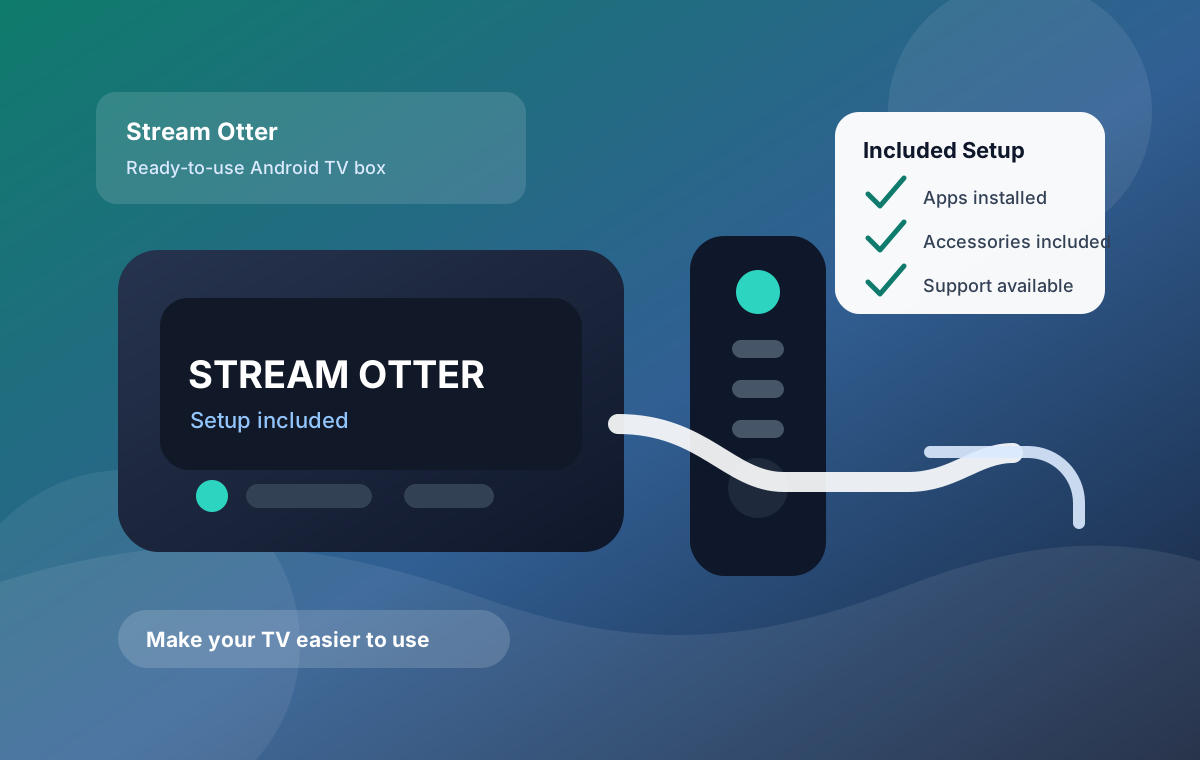
That is why the idea of a prepared Android TV box has become more useful in 2026. A ready-to-use Android TV box is not just hardware. It is a complete setup experience: apps are already installed, the device has been configured, accessories are included, and the user has a clearer path when something needs help.
Why Generic TV Boxes Are Frustrating
Generic Android TV boxes can work well, but they often assume the buyer is comfortable with setup details. The first problem is technical configuration. Users may need to choose display resolution, connect to Wi-Fi, update firmware, sign in to app stores, allow permissions, and learn a new remote interface before they can watch anything.
The second problem is app installation. Many boxes arrive with very little installed or with outdated apps that need replacement. Users then search for APK files, app stores, sideloading instructions, or random download links. That creates confusion and risk. Installing the wrong app build can cause crashes, login problems, poor playback, or privacy concerns.
The third problem is missing accessories. Some boxes include a weak remote, a short HDMI cable, no clear instructions, or a power adapter that feels like an afterthought. If the user needs an Ethernet adapter, better remote, mini keyboard, or help entering login details, the original low price starts to look less useful.
The fourth problem is support after purchase. Generic marketplace sellers often disappear after the box ships. If the device freezes, Wi-Fi is unstable, apps fail, or the user cannot find the right setting, there may be no practical support path. That is where many buyers discover the difference between buying a device and buying a complete streaming setup.
What Is A Pre-Configured Android TV Box?
A pre-configured Android TV box is a device prepared before it reaches the customer. Instead of shipping blank hardware and expecting the user to complete every step, the seller handles the initial setup. That can include installing popular apps, adjusting core settings, testing basic performance, and packaging the accessories needed to connect the box to a television.
The goal is not magic. The goal is removing avoidable friction. A prepared android tv box should reduce the number of decisions a beginner needs to make on day one. It should also reduce the chance of installing unsafe apps, choosing poor settings, or getting stuck before the first viewing session.
When shoppers search for an android tv box with apps installed, they usually want one thing: less work before the first use. They do not want to compare app versions, hunt for safe download sources, or rebuild the home screen after every failed install. They want the box to arrive with the important pieces already in place.
The same is true for anyone comparing an android tv box with setup included. Setup included should mean more than turning the device on one time. A useful prepared box should be checked for basic operation, packaged with the right cables, and organized so the buyer can connect it to the TV without starting from a blank technical project.
For many households, the most valuable feature is not a faster processor or a longer feature list. It is confidence. Users want to know that the device was checked, the apps are already there, the remote works, the HDMI cable is included, and there is a support path if something needs attention.
Introducing Stream Otter
Stream Otter is positioned for users who want a premium, ready-to-use setup instead of a generic box that requires trial and error. It focuses on convenience: a prepared Android TV box, popular apps pre-installed, the initial setup completed, and the core accessories included in the package.
That makes Stream Otter a practical fit for people who do not want to become device technicians. The package includes the Android TV box, HDMI cable, remote, and accessories needed to get started. It also includes 12 months of streaming setup & access included, plus a 30-day guarantee. Those details matter because the buying decision is not only about the box. It is about whether the user can actually get the box working without wasting time.
A device like Stream Otter also fits the broader support-first approach we recommend on Fluxus: start with a stable device, use clear setup steps, avoid unsafe downloads, and keep troubleshooting simple. When the device is prepared and tested before shipping, there are fewer variables to isolate later.
Prepared Box Vs Generic Box
The difference between a generic Android TV box and a prepared streaming device is easiest to see during the first hour after delivery. With a generic box, the user often has to identify the launcher, connect Wi-Fi, update the system, search for apps, remove unwanted apps, adjust display settings, and test playback before knowing whether the box is usable.
With a prepared box, the first hour should be much simpler. The user connects HDMI, powers on the device, pairs or uses the included remote, checks the network, and opens the apps that were already installed. There may still be account sign-ins or personal preferences to adjust, but the core device should feel organized instead of unfinished.
This is why price alone can be misleading. A low-cost box may be attractive if the buyer enjoys tinkering. But if the buyer needs an easy streaming box for seniors, a family living room, or a non-technical relative, the cheaper box may create more support work than it saves.
The practical question is not only "What does the hardware cost?" The better question is "How much work remains after the package arrives?" Stream Otter answers that question by focusing on a finished experience: device, apps, accessories, setup, support, and guarantee together.
Who Stream Otter Is Perfect For
Stream Otter is especially relevant for seniors who want a simpler TV experience. Many older users do not want to search app stores, manage sideloading, or type long account details with a small remote. They want a device that is easier to understand and easier to use.
Families are another strong fit. A shared living room device needs to be predictable. Parents may not want children or guests changing settings, installing random apps, or accidentally breaking the layout. A prepared streaming box keeps the experience more controlled from the beginning.
Non-technical users benefit for obvious reasons. If someone does not know the difference between an app store, a launcher, firmware, cache, or Wi-Fi band, a generic Android TV box can feel unfinished. Stream Otter reduces the setup burden by handling the work upfront.
Busy professionals may also prefer a prepared solution. The issue is not whether they could learn the setup process. The issue is whether they want to spend time doing it. A prepared streaming box can be worth it simply because it replaces research, configuration, and troubleshooting with a more direct path.
Why Customers Prefer Stream Otter
The first reason is time savings. A generic Android TV box may require app research, installation, updates, settings changes, remote pairing, and trial playback before it feels ready. Stream Otter is built around the opposite idea: complete as much of that work as possible before the customer opens the package.
The second reason is reduced frustration. A user who struggles with setup may blame the internet, the TV, the remote, the app, or the box itself. In reality, the problem is often that too many setup variables are being handled at once. Stream Otter narrows those variables by preparing the device in advance.
The third reason is the package approach. Hardware alone is not enough for many users. A better experience includes the box, accessories, installed apps, initial configuration, support, and a clear guarantee. That is why a ready to use android tv box can be more valuable than a cheaper device that leaves everything to the buyer.
The fourth reason is confidence. When a device is tested before shipping and support is part of the offer, the customer has a clearer next step if something does not work as expected. That is different from buying a random box and hoping online forums can solve every issue.
How This Fits Into A Better Streaming Setup
A prepared box does not replace good home network basics. Users should still place the box near a strong Wi-Fi signal, use Ethernet when possible, keep the device ventilated, and avoid overloading it with unnecessary apps. But starting with a configured device makes those remaining checks easier.
If a user already has buffering or app problems, Fluxus has guides for IPTV buffering fixes, Android TV optimization, and Firestick setup. Those guides help isolate Wi-Fi, cache, storage, decoder mode, and app behavior. Stream Otter is relevant because it starts the user closer to a stable baseline.
That baseline matters for support. If the device is prepared, popular apps are already installed, and the accessories are included, support can focus on the actual issue instead of walking through every first-time setup step.
What To Check Before Buying Any Android TV Box
Before choosing any Android TV box, check whether the device includes the essentials or only the hardware. At minimum, a practical package should include the box, remote, power adapter, HDMI cable, clear startup path, and a support contact. If those pieces are missing, the buyer may need to solve basic problems before the device is useful.
Next, check whether apps are already installed and whether the seller explains what type of setup is included. A vague product page may say "fully loaded" without explaining what that means. A better product page explains the prepared experience in plain language: what is installed, what accessories arrive, what support exists, and what guarantee protects the buyer.
Finally, think about the person who will actually use the box. A technical buyer may be comfortable rebuilding settings. A senior user, parent, guest room user, or busy professional may care more about reliability and clarity than customization. That is the real use case for a ready to use android tv box.
Frequently Asked Questions
Is Stream Otter ready to use out of the box?
Stream Otter is positioned as a ready-to-use Android TV box with initial setup completed, popular apps installed, and core accessories included so users can start with less technical work.
What is included with Stream Otter?
The Stream Otter package includes the Android TV box, remote, HDMI cable, accessories, pre-installed apps, setup already completed, 12 months of streaming setup and access support, and a 30-day guarantee.
Do I need technical knowledge to use Stream Otter?
Stream Otter is designed for non-technical users, seniors, families, and busy professionals who want a simpler setup than a generic Android TV box.
How is Stream Otter different from a cheap generic TV box?
A generic box often requires app installation, account setup, settings changes, and troubleshooting. Stream Otter focuses on a prepared setup with hardware, apps, accessories, and ongoing help in one package.
Who should consider a prepared streaming box?
A prepared streaming box is useful for users who value time savings, remote-friendly setup, included accessories, and support after purchase more than doing every technical step themselves.
Final Call To Action
If you want a simpler way to make your TV easier to use, Stream Otter is worth reviewing. It is designed for people who want the setup handled, the apps installed, accessories included, and support available after purchase.